Mobile install
Get launchatoken.app on your phone
Scan the QR with your phone — it opens the launchatoken.app mobile app. From there, add it to your home screen and share any post into it.
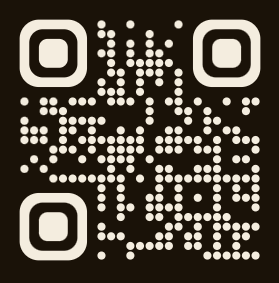
app.launchatoken.app
1
Scan the QR
Your phone's camera opens the launchatoken.app PWA in your default browser.
2
Add to home screen
Safari (iOS): Tap "Share", then "Add to Home Screen".
Chrome (Android): Tap the ⋮ menu, then "Install app".
3
Share any link
X post, GitHub repo or YouTube video → Share sheet → launchatoken.app. AI names the coin, you launch.